 OpsCommand
For your role · Engineering
For engineering. Production faults, with the evidence attached.
You fix what breaks in production. OpsCommand hands you incidents with their evidence, and links them to the issue, pull request and deploy that fix them.
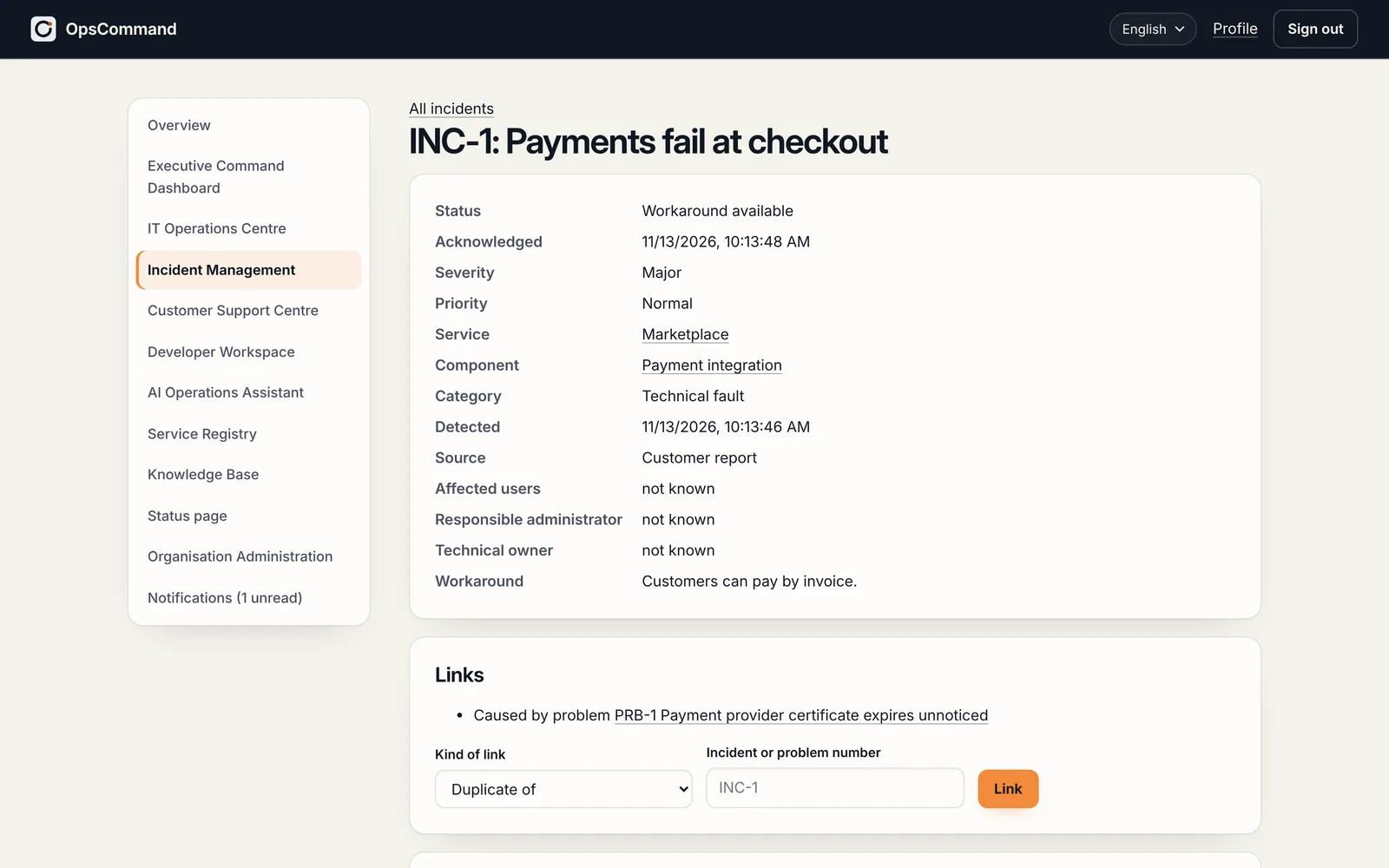
Today, and with OpsCommand
What changes for your team.
Today
- Production faults arrive as chat messages, without logs or steps to reproduce.
- Incidents and code live in different systems, linked by hand if at all.
- A fix counts as done when it merges, whether or not production recovered.
With OpsCommand
- 01
Handovers with evidence
Reproduction steps, evidence and correlation IDs travel with the incident to your team.
- 02
Linked to your tools
Issues and pull requests in GitHub, GitLab or Jira; your CI moves the incident on.
- 03
Verified, not assumed
The incident closes when the service’s own checks pass, so you know the fix worked in production.
- 04
AI that cites its evidence
Similar incidents and likely causes, each with its sources; off until it is turned on, and a person decides.
Getting started
Where you start.
- 01
Connect GitHub, GitLab or Jira
- 02
Send your telemetry through OpenTelemetry or the events API
- 03
Link your CI, so deploys move incidents on
The areas you work in.
- Developer WorkspaceIncidents become structured engineering tasks with the evidence attached, linked to issues, pull requests and deployments, until the fix is verified in production.Areas
- AI Operations AssistantOff unless the organisation turns it on. It suggests, drafts and summarises from the records, with its sources; it decides nothing, and every output is labelled and logged.Areas
See OpsCommand on your own services.
A 45-minute walkthrough with the people who run your services: one incident, from first alert to verified fix.
